Token Stacks
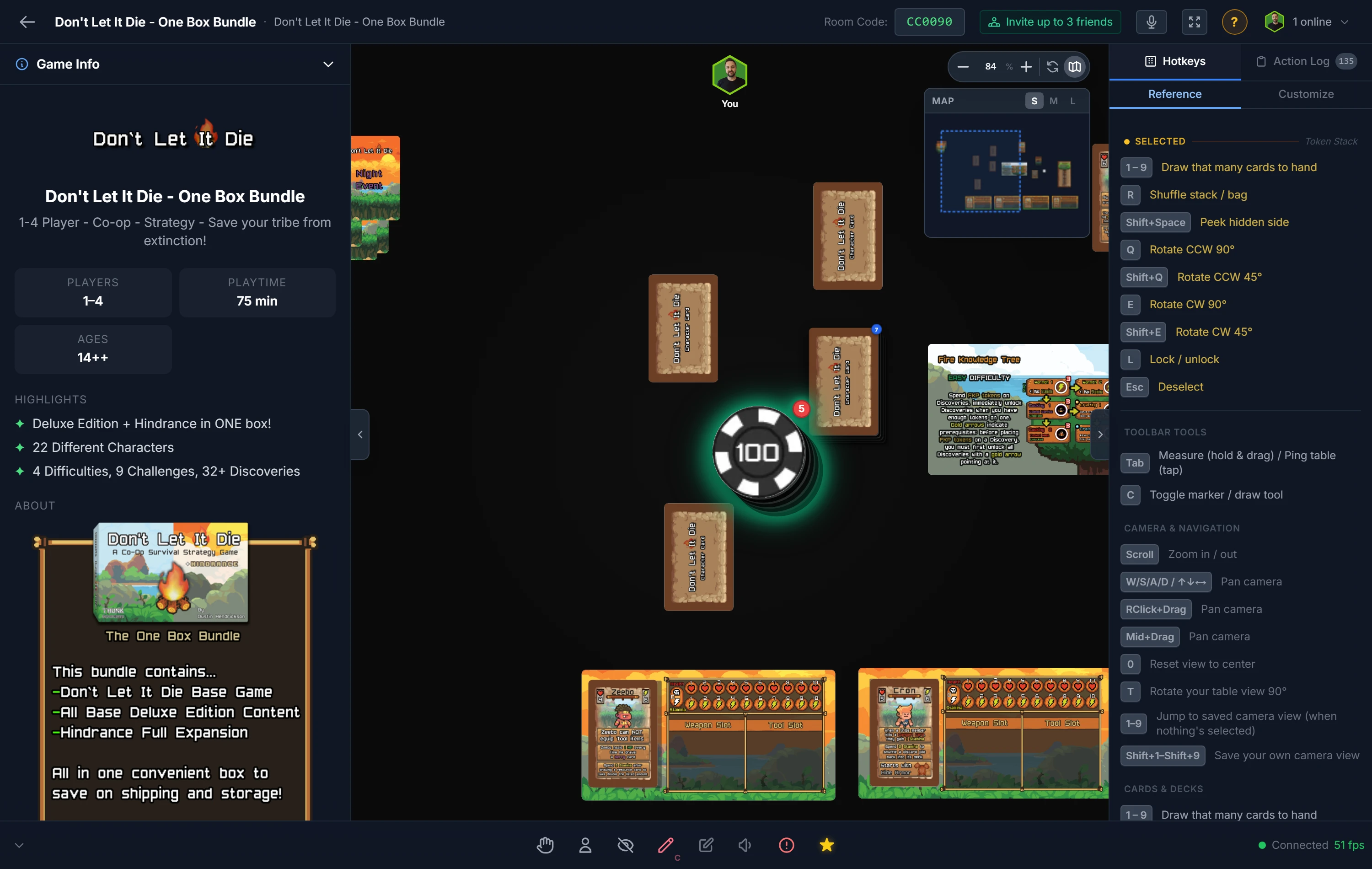
A token stack is an ordered, visible pile, just like a real stack of poker chips or a tower of counters. You can see the top, you draw from the top, and the order is preserved. (For a hidden, random draw, you want a Bag instead.)
Building a Stack
Drop one token directly onto another and they combine into a stack. Keep dropping tokens on the pile to grow it. The stack shows how many pieces it holds.
Tip
You can also pre-build a stack from the Token Stacks section of the sidebar — define it once with the Deck & Stack Builder and spawn the whole stack (even one mixing different tokens) in a click.
Important
Tokens only stack with tokens of the same shape. Circles stack with circles, squares with squares, and so on. A circle and a square won't combine.
Working With a Stack
- Draw the top with a double-click (or right-click the stack and choose Draw). The top token comes off the pile.
- Reverse the order with
F, which flips the whole stack end-over-end so you draw from the other side. - Shuffle with
Rto randomize the order. - Draw several to your hand by pressing a number,
1through9pulls that many tokens straight into your private hand.
Drawing While Dragging
While you're already holding a card or token, right-click a stack to scoop its top token into the group you're dragging. Drop the whole group onto a compatible pile to merge them at once. It's a fast way to gather pieces during setup. See Moving & Arranging Objects.
Tip
Want to hand a stack of starting tokens to every player at once? Right-click the stack and choose Deal, just like a deck. See Your Hand & Dealing.
Related: Bags · Counters · Your Hand & Dealing