Help - Bags

Realtime Playtest

Bags

Store pieces in a bag and draw them back at random. Covers filling, drawing, shuffling, recoloring, and infinite bags.

Bags

A bag is a container that hides what's inside and gives it back at random. It's the right tool whenever a game needs a blind draw: chit-pulls, a bag of resource tokens, blind bidding, or a "draw a random event" mechanic. (For an ordered, visible pile you draw the top of, you want a Token Stack instead.)
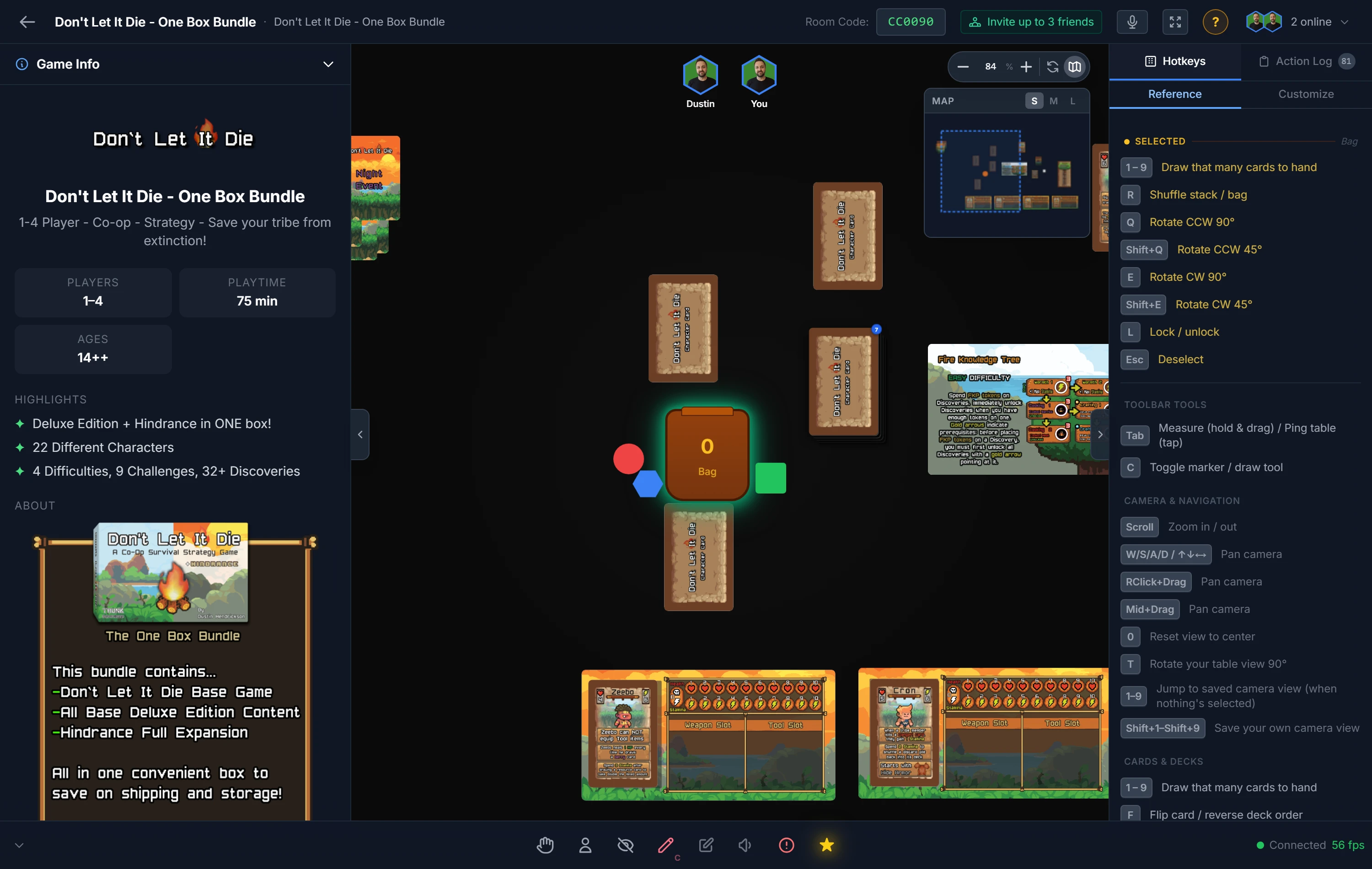
A bag on the table with loose tokens beside it, ready to be dropped in for a blind draw

Filling a Bag

Drag any object onto the bag and it disappears inside. Keep dragging pieces in to fill it. What's in a bag is hidden from view, that's the whole point, so players can't see or count the contents.

Drawing From a Bag

Double-click the bag to draw. One item comes out, chosen at random. This is different from a deck or stack, where you always draw the known top piece.

Tip

While you're already dragging a card or token, you can right-click a bag to pull a random item into the group you're holding, then drop them together onto a pile. See Moving & Arranging Objects.

Searching a Bag

Right-click a bag and choose Search Bag to see everything inside it as a grid, the same way you can search a deck or a stack. Filter by name, tick the pieces you want, and send them To Table or To Hand. Point at one and press Space to see it large.

Two things work differently here, because a bag is not a pile:

  • There is no order to set. Every bag draw picks at random, so the grid cannot be rearranged. A deck or stack deals off a known end, which is why those can.
  • The bag stays put. Searching a bag empty leaves the empty bag on the table, ready to be refilled, exactly as drawing its last item does. An emptied deck or stack disappears instead.

Pieces come out as whatever they went in as: a die is still a die, a card still a card, at its own size.

Note

Everyone at the table sees an eye on the bag while you have it open, so nobody is quietly rummaging.

Infinite bags cannot be searched. There is nothing inside one to look through: an infinite bag holds a single template rather than a pile of pieces, and it is meant to hand out copies endlessly rather than be emptied. See Infinite Bags below.

Shuffling & Recoloring

  • Shuffle with R to remix the contents. (Since draws are already random, this mostly matters for keeping things feeling fair after you add pieces back in.)
  • Recolor the bag with a right-click. Color-coding is handy when several bags are in play, for example a red resource bag and a blue event bag.

Infinite Bags

A normal bag empties as you draw from it. An infinite bag keeps handing out copies of its contents forever, perfect for an endless supply of the same token. Right-click the bag and toggle Infinite Bag, then drop one item in to set the template. Turning infinite mode on empties whatever was in the bag first.

The template is a live copy like anything else on the table, so syncing its component updates what the bag spawns from then on, and loading a setup brings back the component's current artwork rather than the artwork it had when the setup was saved.

Note

Bags accept almost any piece. To stop a specific object from ever being put in a bag, use Prevent Bagging on its right-click Restrictions menu. See Moving & Arranging Objects.


Related: Token Stacks · Cards & Decks · Your Hand & Dealing