Voice Chat
Every room includes built-in voice chat, so you can talk through a playtest without spinning up a separate Discord or Zoom call. It's peer-to-peer, included on every plan, free and Pro alike.
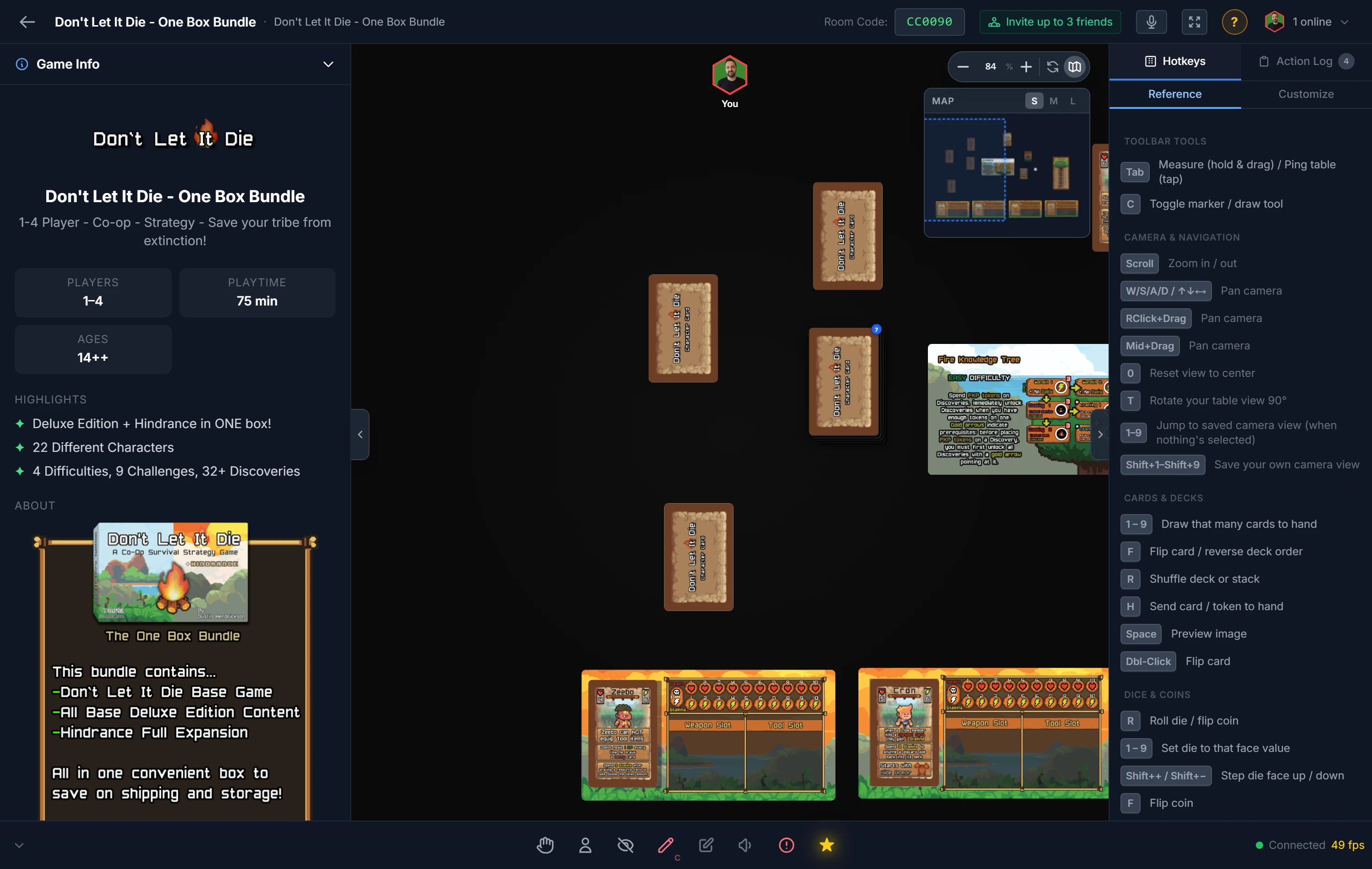
Joining the Call
Click the mic button in the toolbar to join. Your browser will ask for microphone permission the first time; allow it, and you're in. Each participant shows as a colored avatar bubble so you can see who's connected.
From the same control you can mute and unmute yourself, or leave the call while staying in the room. When someone is talking, their avatar lights up with a speaking indicator so you always know who has the floor.
Voice Controls
The voice bar gives you everything you need without leaving the room:
- Mute / unmute — toggle your own microphone.
- Deafen — silence everyone at once (mutes all incoming audio, and your mic too). Toggle it off to rejoin the conversation.
- Push-to-Talk (PTT) — turn on the PTT toggle in the voice bar and your mic only transmits while you hold the push-to-talk key. The default is the backtick
`, and it's fully rebindable under Hotkeys → Customize → Voice. - Device picker — choose which microphone (input) and speakers/headphones (output) voice uses, right from the voice bar — no need to dig through browser settings.
Host Controls
- Mute a player — a host or co-host can mute a disruptive player for everyone from that player's seat menu.
- Kick — remove a player from the room; see Players, Hosts & Co-Hosts.
Note
Voice needs microphone access in your browser. If you don't hear or aren't heard, check that the site has mic permission and that the right input/output device is selected in the voice bar's device picker.
Tips for a Smooth Call
- Mute yourself when you're not talking to cut background noise, especially in larger groups.
- A headset prevents the echo that open speakers can cause.
- Voice is independent of the table: muting your mic doesn't affect anything you do with pieces, and leaving the call doesn't remove you from the room.
Tip
Playing asynchronously or prefer text? Voice is optional. You can run an entire session with just cursors, the action log, and pings. See Player Tools.
Related: Player Tools · Starting & Joining Rooms · Players, Hosts & Co-Hosts